← All apps
Pixel Dimension
See real sizes for the values in your code
iOS
See the real spacing and sizing of elements on the device you actually ship to. Draw rectangles, circles, and straight lines at exact sizes — px, pt, in, cm, or mm — and import a screenshot to measure against. Built for developers gauging layout values like “move this up 20pt.”
Full page coming soon — a bespoke landing page for Pixel Dimension will replace this placeholder.
On the device
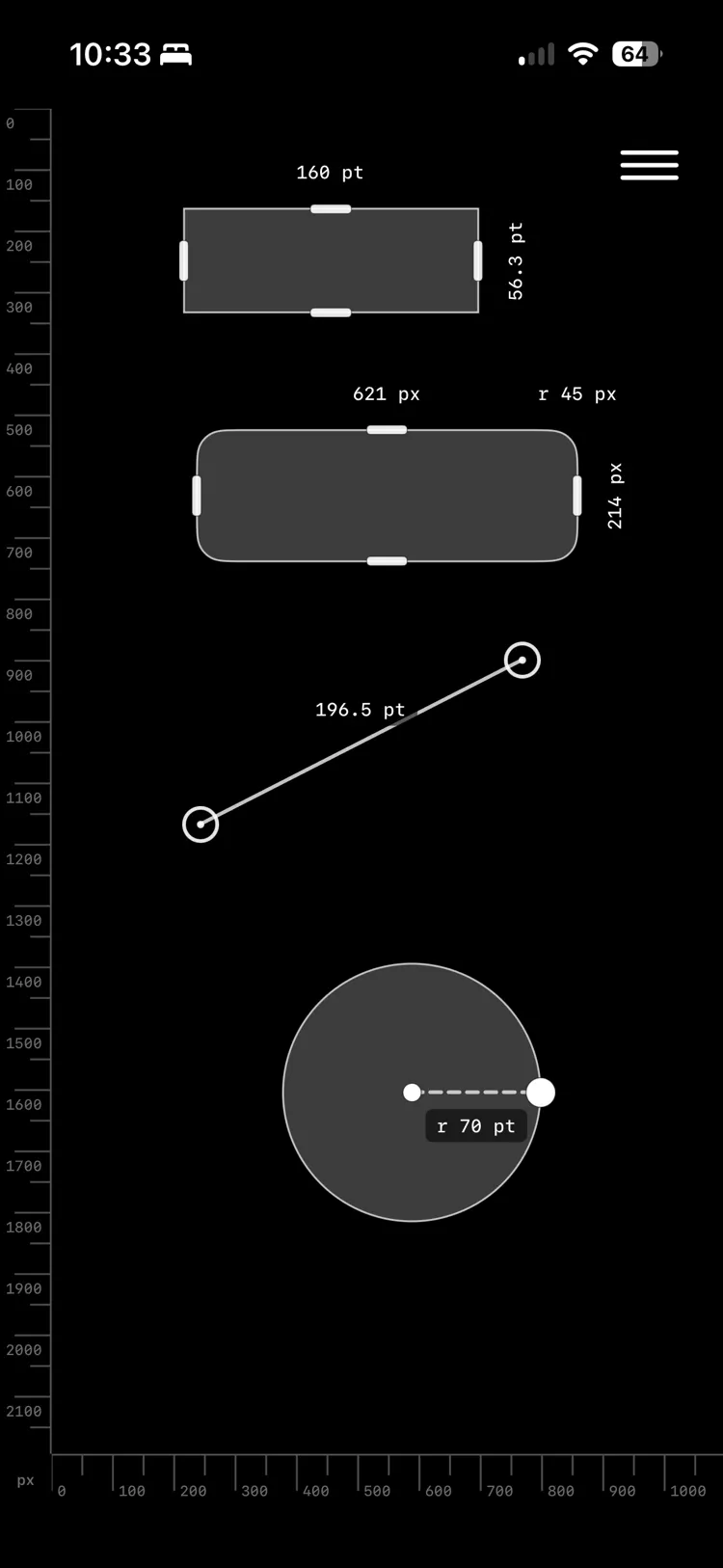
Rulers on both axes, with every shape carrying its own live measurement — mixed units on one canvas.
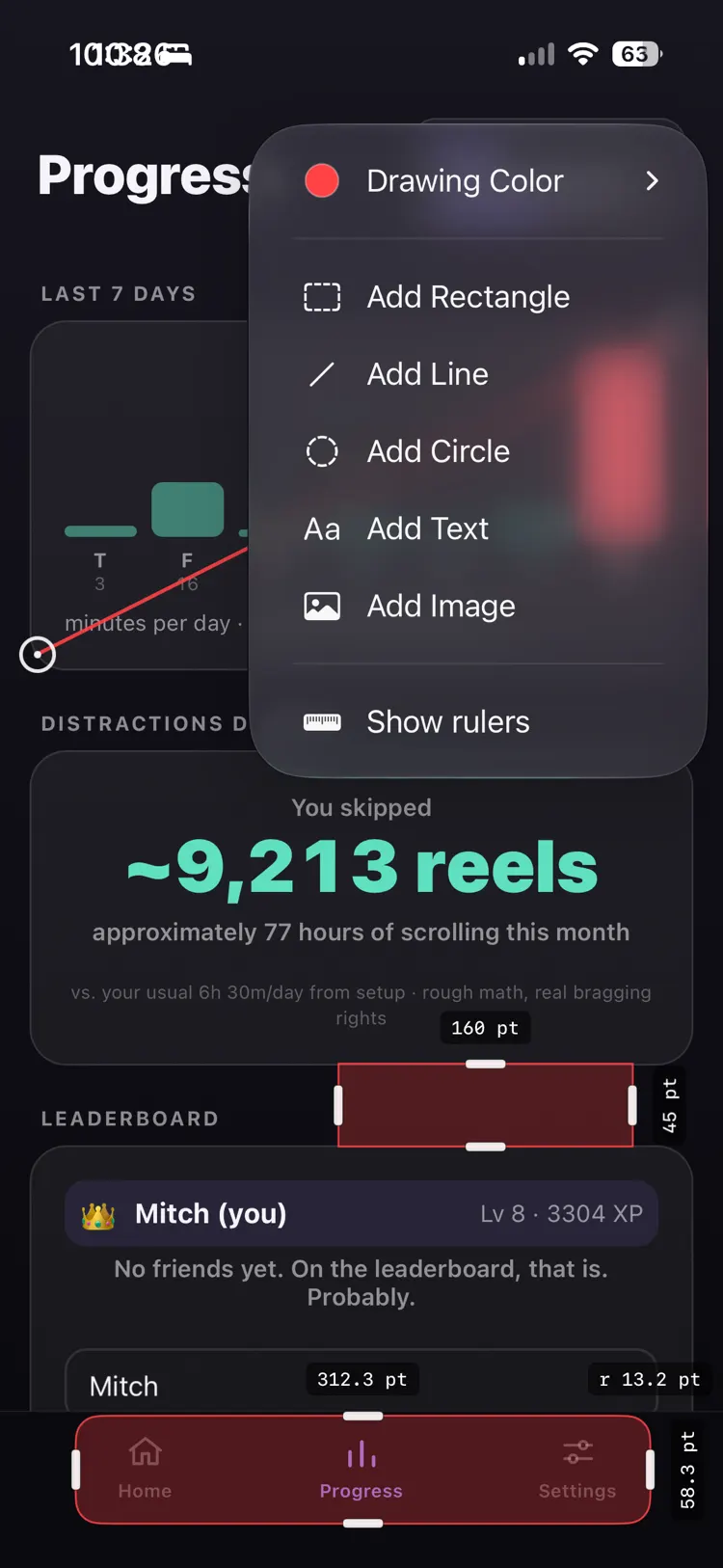
Drop in a rectangle, line, circle, or text — then measure it against whatever is already on screen.
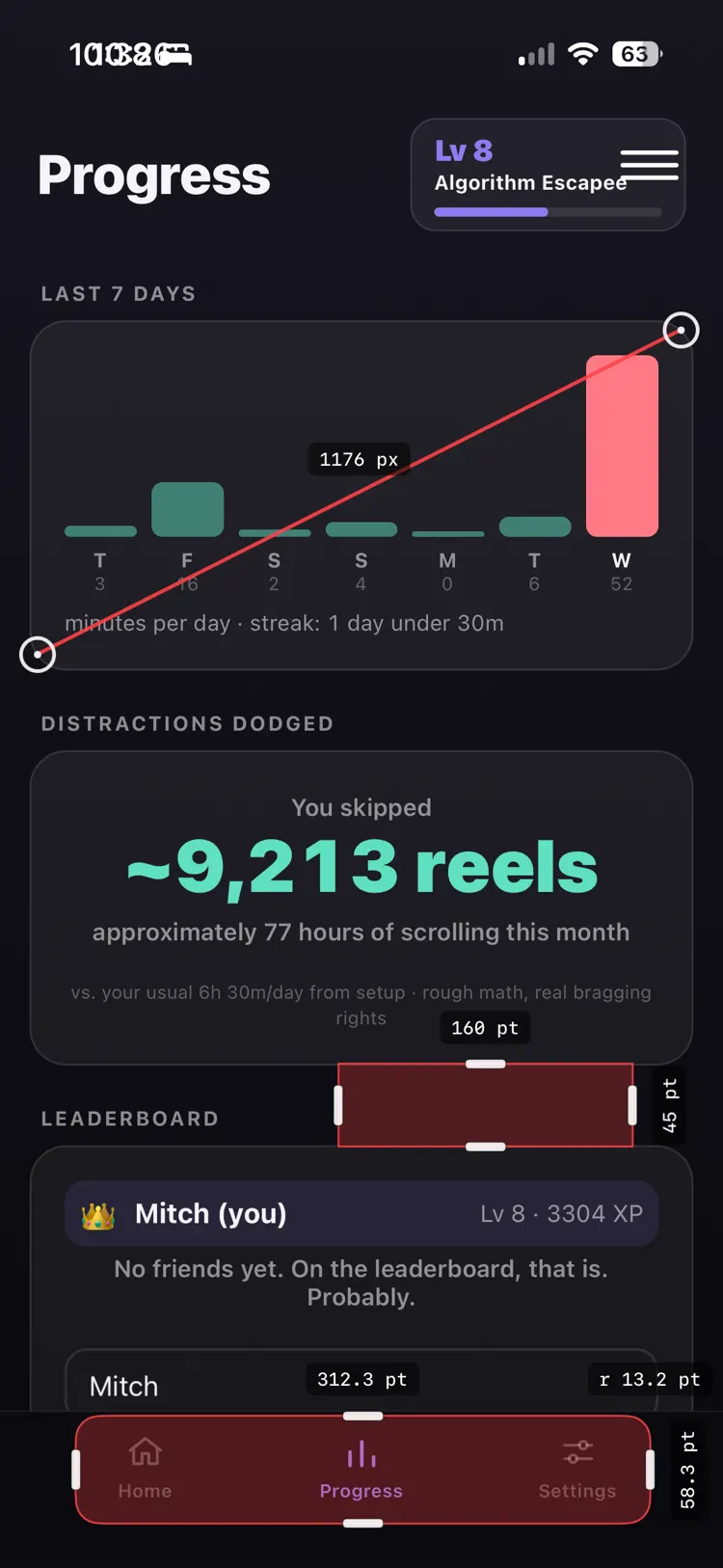
Measure a real interface in place — here a tab bar comes back at 58.3pt tall, no guessing.